Attract Windows
The attract windows rotate content from your video catalog to help you discover videos, photos, and actors from your active video catalog.
Attract Covers
The Attract Covers window shows random covers and/or companion images from your video catalog. Right-click on the image to select the video that belongs to the image.
Right-click to:
- Select video
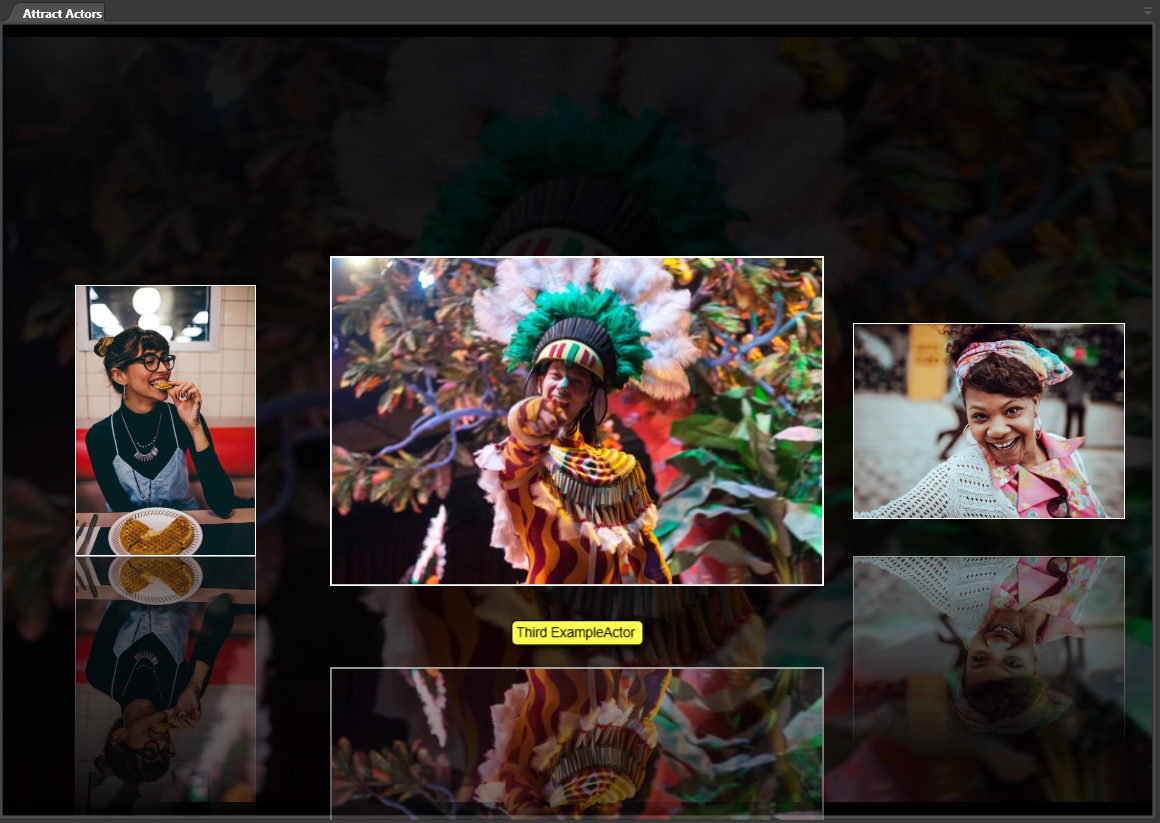
Attract Actors
The Attract Actors window loops a selection of random actors from your video catalog. Right-click to go to:
-
Filter videos on Actor.
-
Edit Actor.
Attract Video Wall
The Attract Video Wall window shows a random selection of videos as a video wall. After a few seconds, animated videos will change. Right-click a video to:
-
Play (play the video)
-
Select (select the video without playing)
-
View (change the size of the wall thumbnails)
As long as the mouse pointer is inside the window, it will not switch to show new videos.