Video Wall Tab
The Video Wall lets you browse videos quickly. Each video on the wall cycles through its captured frames, so you see what is in many videos at once. This tab controls how the frames are switched.
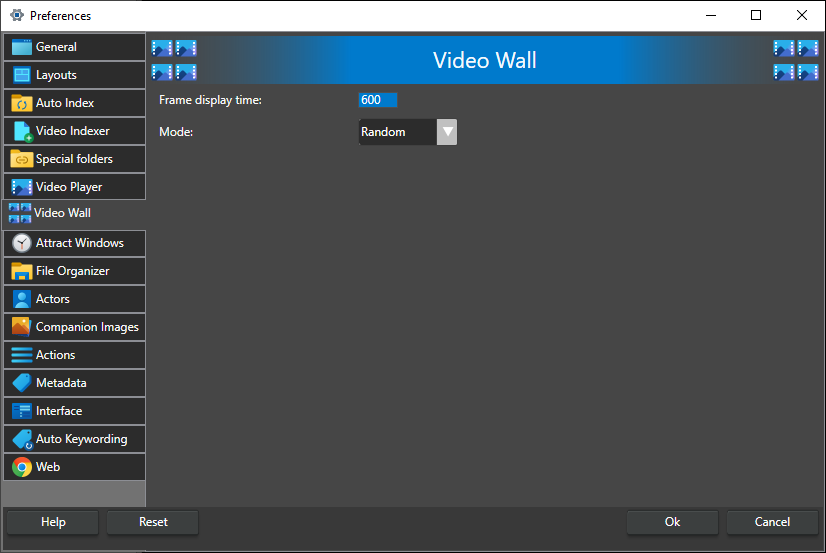
Frame display time -- How long, in milliseconds (1000 ms = 1 s), each frame is shown before the video switches to its next frame. The switches are spread across the wall during this time. Default 600, range 0-10000. Enter 0 to switch as fast as possible.
Mode -- The order in which the videos on the wall switch frames:
- Random -- the videos switch in a random order.
- Wave -- the videos switch one after another from the first video on the wall to the last.
- Reverse Wave -- the videos switch one after another from the last video on the wall to the first.
Default is Random.
The time each set of videos stays on the Attract Video Wall is set on the Attract Windows tab.