How to Protect a Video Catalog
You can set a password to a video catalog from the Start menu. The program will ask for the password when a password-protected catalog is opened or imported.
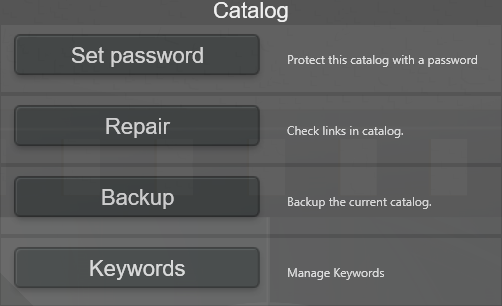
You can change the password at any time. If you set the password to an empty string, the catalog will no longer ask for a password when opening it and will not be password-protected.
Note: Protecting a catalog with a password will only protect the catalog -- it will not mask its videos.