How to Share Your Video Catalog
Your video catalog can always be shared and opened on other computers with a program to read and interpret the .vcat files. There are also options for sharing your catalog outside of Fast Video Cataloger. Also, look at How to Share a catalog using the Server
Export Video as Contact sheet
You may export the Video Scenes thumbnails for a video. Click on Start in the menu and then Export, and in the pop-out, click contact sheet... The wizard takes you through exporting the currently selected video as a single contact sheet image.
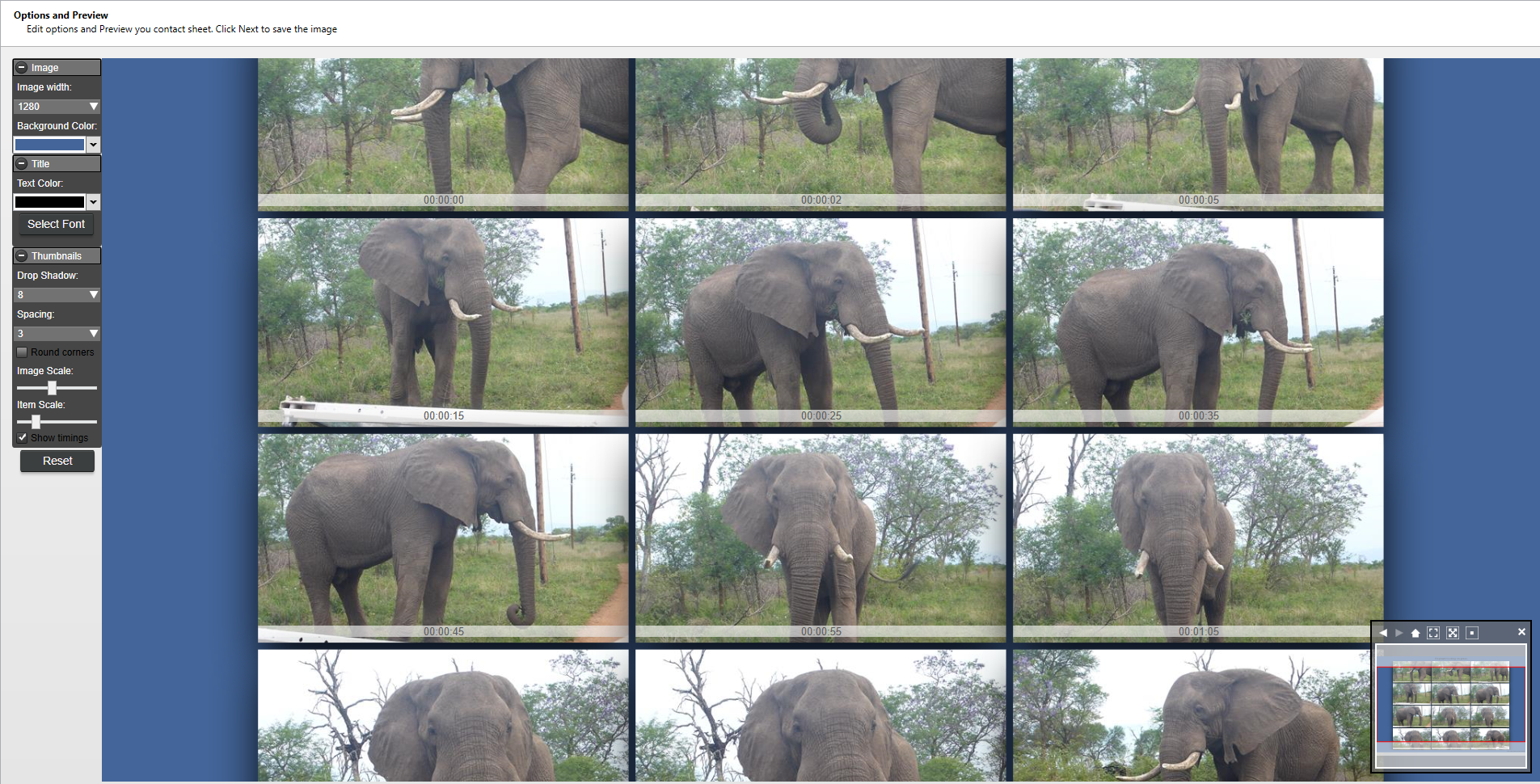
You may alter the background, image size, shadows, title, and much more via the left-hand menu inside the wizard. The small right-hand menu allows you to adjust the contact image's size and placement within the window work tableau.
And, of course, there is the standard Reset button if your creation gets out of hand.
Export Video List as CSV
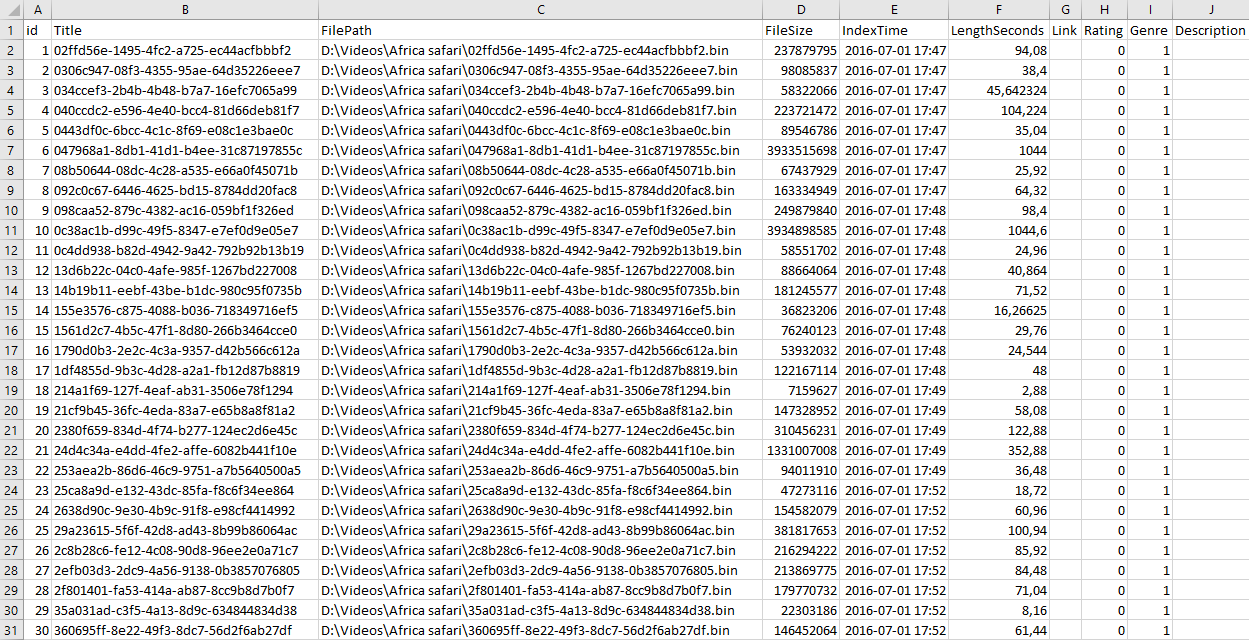
To get a raw text file listing of selected videos, you can export it as a Comma Separated Value (CSV) File. Click on Start in the menu and then Export, and in the pop-out, click Video CSV file. The filtered video list gets saved to your chosen location as a separate .csv file that you can import into Excel or other software.
Export Actor list as CSV
When you have added many actors to a catalog, you may want to use this data in other applications. To export a CSV file of your actors with included information, click on Start in the menu and then Export, and in the pop-out, click Actor CSV file.