Actions Tab
The Actions tab holds the preferences for the Action window. Actions themselves are no longer created or edited here: open the File menu (the one with the catalog name) on the front screen and choose Actions. See How to Create Actions.
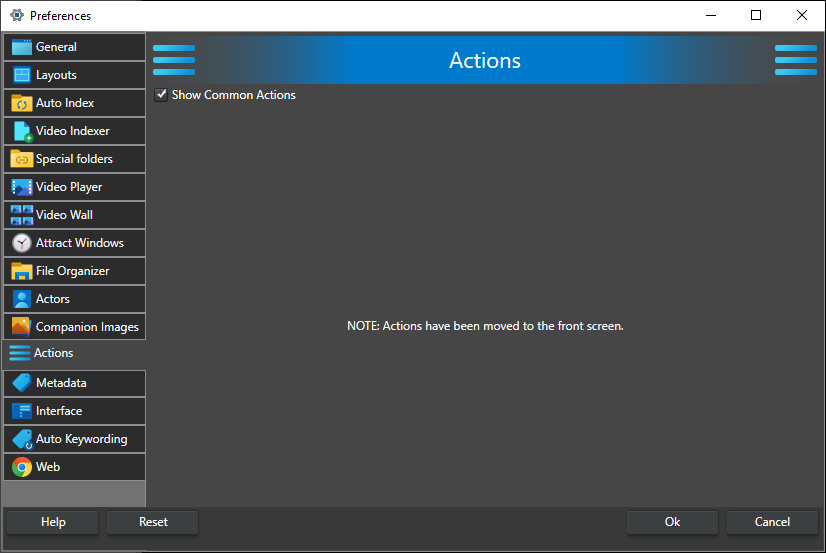
Show Common Actions -- When checked, the Action window shows the Common Actions group with the built-in buttons Play (play the selected video in the external player), Edit (open it in the external editor), Open Folder (open the folder that contains the video file), Remove (remove the video from the catalog) and Rename (rename the video file and update the catalog). Uncheck it to show only your own actions. On by default.
The external player and editor used by Play and Edit are set on the General tab. The Action window itself is described in Right Window Area.