Browser Tab
In the Browser tab you set how web links are opened and how the integrated web browser, the Web window, handles downloads.
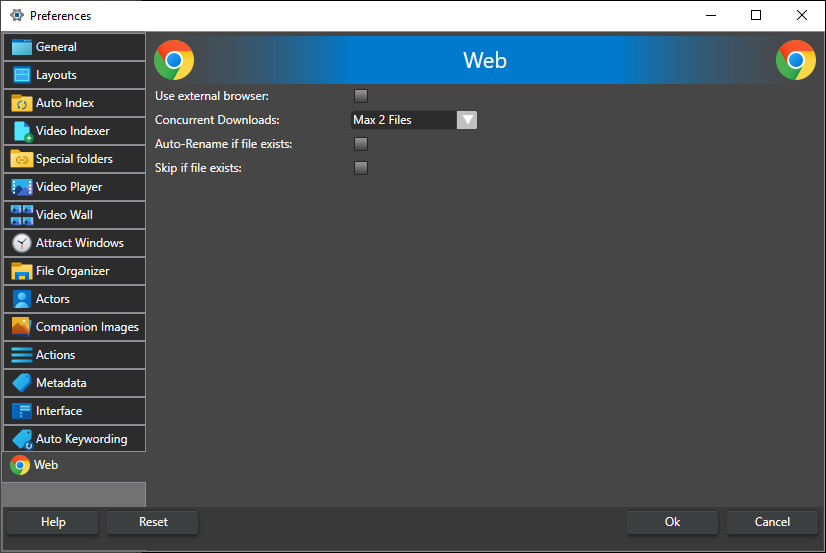
Use external browser -- When checked, web links opened from the program go to your default web browser instead of the integrated Web window. This applies to the link in the Video Details window, the link in the actor dialog, URL actions (unless the action itself is set to always use the external browser) and the links on the Getting Started panel. Off by default.
Concurrent Downloads -- How many downloads from the Web window can run at the same time, from Max 1 File to Max 4 Files (default Max 2 Files). If you start more downloads than that, the rest are queued and start when a download finishes.
Auto-Rename if file exists -- When a download goes straight to the download folder, without a Save As dialog, and a file with the same name already exists there, the new file is saved under a unique name by adding a number to the name, for example video1.mp4. When not checked, the Save As dialog is shown instead. Off by default.
Skip if file exists -- When a download goes straight to the download folder and a file with the same name already exists there, the download is skipped. When not checked, the Save As dialog is shown instead. If both this and Auto-Rename if file exists are checked, the download is skipped. Off by default.