How to Extend Fast Video Cataloger with Plugins
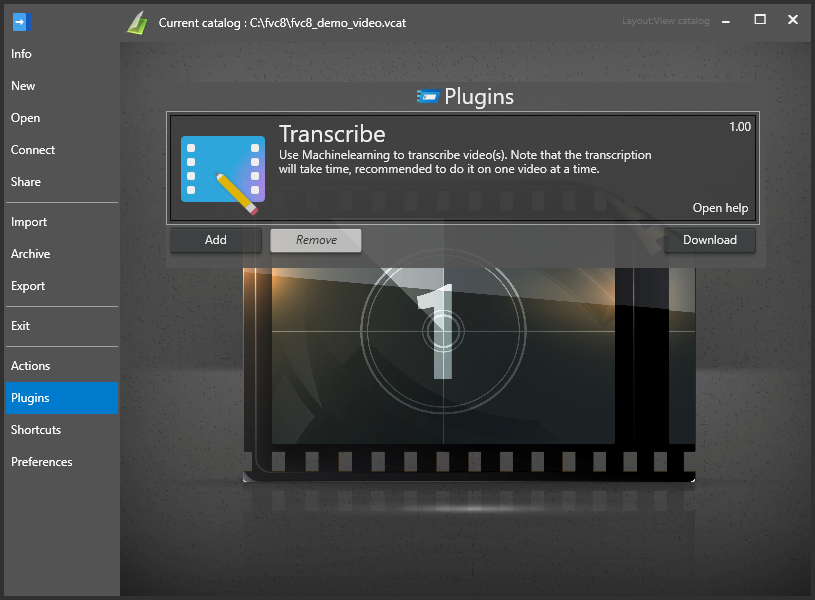
Fast Video cataloger has support for plugins. To install plugins, go to the plugins page.
-
Click the Download button to open your web browser and go to the plug-in download page at https://videocataloger.com/plugins.
-
Download your plugin as a zip file.
-
Click the Add button.
-
Select your downloaded plugin file. This will add the plugin to the software.
-
The plugin will add actions in the action window.