How to Find Duplicate Videos
On the maintenance screen, select Clean to start the "Find duplicate videos tool".
The Check Duplicate videos... tool searches your catalog to find videos with the same content but stored at different locations with different filenames. The program creates a 256-bit checksum to compare the content of video files of the same length. This makes it extremely unlikely (practically impossible) that the program will say that videos are the same if they are different. But scanning can be lengthy as the whole video file needs to be read (i.e., this can take hours for huge collections). The program first checks if the length of two videos is the same, if the file size is the same, it calculates a checksum to verify exact content. The checksum is stored in the catalog to speed up subsequent checks.
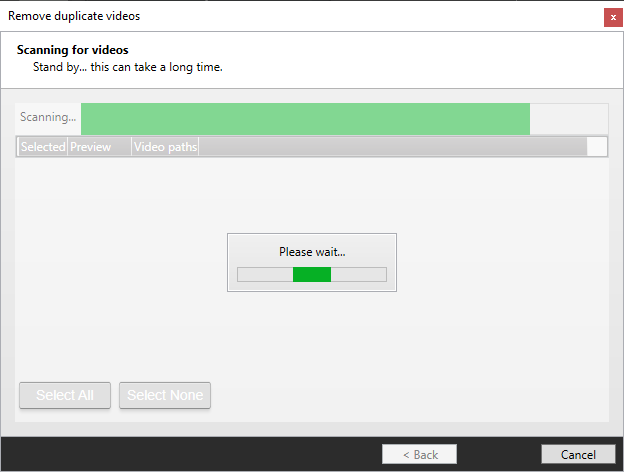
If, for example, you need to close down before the task is finished, the tool will continue from where it left off when you start up again. If you add more videos, the program will only check the added videos.
Once the program has completed its scan, any duplicate videos found will be presented in a list. Click on each entry to select which file versions you want to keep. When you click Repair, the program will merge the entries in the catalog --- i.e., you will get the union of all keywords, all actors, and all companion images. Video properties (rating, date added, etc.) will be taken from the entry that belongs to the video file you keep.
When the catalog entries have been merged, the program will delete the duplicate video files.