Auto Index Tab
The Auto Index tab sets up a folder that Fast Video Cataloger watches for new video files. When a video is added to the folder while the program is running, it is added to the catalog's indexing queue. This is useful when videos regularly arrive in one place, such as a download folder or a media ingest folder. See also Auto Add Videos.
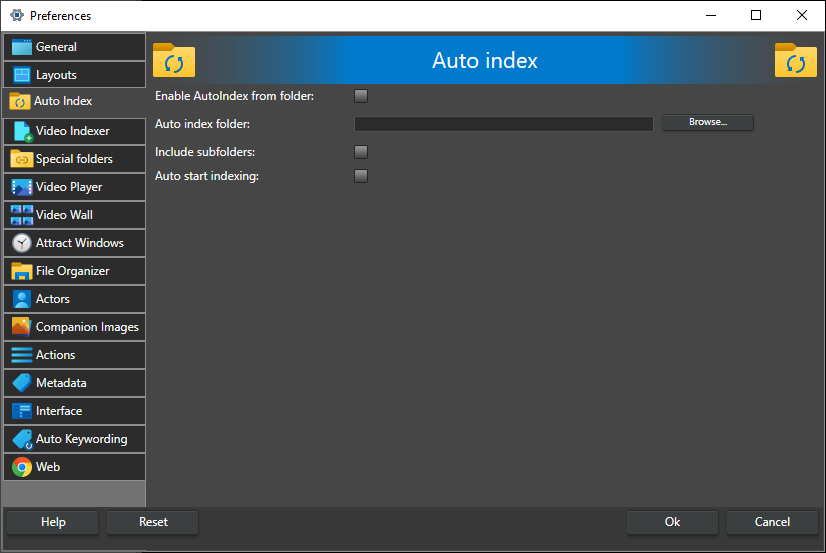
Enable AutoIndex from folder -- Turn the auto index feature on or off. The settings below can only be changed while this is checked. Off by default.
Auto index folder -- The folder that is watched for added videos. Click Browse to pick it.
Include subfolders -- Also watch all subfolders of the auto index folder. Off by default.
Auto start indexing -- Start indexing as soon as a video from the auto index folder has been added to the queue. When unchecked, the video waits in the queue until you start indexing. Off by default.
Scan folder on startup -- Scan the auto index folder when the program starts and add any videos that were copied there while the program was not running. The scan is skipped when you are connected to a catalog server. Off by default.