How to save video screenshots I will show how you can save a video frame as an image file. First, start Fast videocataloger. Find and select the video you want to take a screenshot from. Seek the frame you want to capture, by clicking on a video frame and using the...
Today we made a quick tutorial on how to use colors for video keywords in Fast Video cataloger, https://videocataloger.com. In Fast video cataloger you can assign colors to video keywords to help you find the keywords quicker. You can also group keywords by...
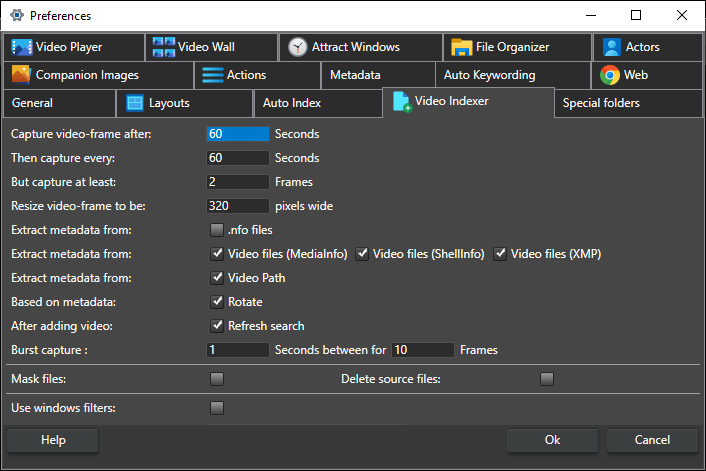
Introduction In Fast video cataloger 8, we have made a significant improvement to what was probably the best video indexing engine available. In the previous post I gave a high-level overview of the improvements, this text will just go into some more details about the...
We have worked very long to make sure Fast video cataloger indexing is stable and can handle just about all video formats. Indexing videos are always going to be a pretty time-consuming process since the video file needs to be read and decoded. Just reading through...
Fast Video cataloger 8 is a local video content management system. Have instant access to all your videos from one single place and produce content quicker than ever before. We started development in 2011 and today we are happy to finally release version 8. The...