
Video Catalog Software for Windows
Find Any Clip in Seconds
Catalog, search and tag your whole video library on your own Windows PC.
Find any clip by who’s in it, what they said, or what’s in the shot.
Seconds of search instead of hours of scrubbing.
No cloud uploads.
Safe for Windows PC • Version 10.5.1 (29 October 2026) • 15 years of continuous updates
Rated 4.96 / 5 by verified users • Built for video editors and large libraries • Runs on your own PC
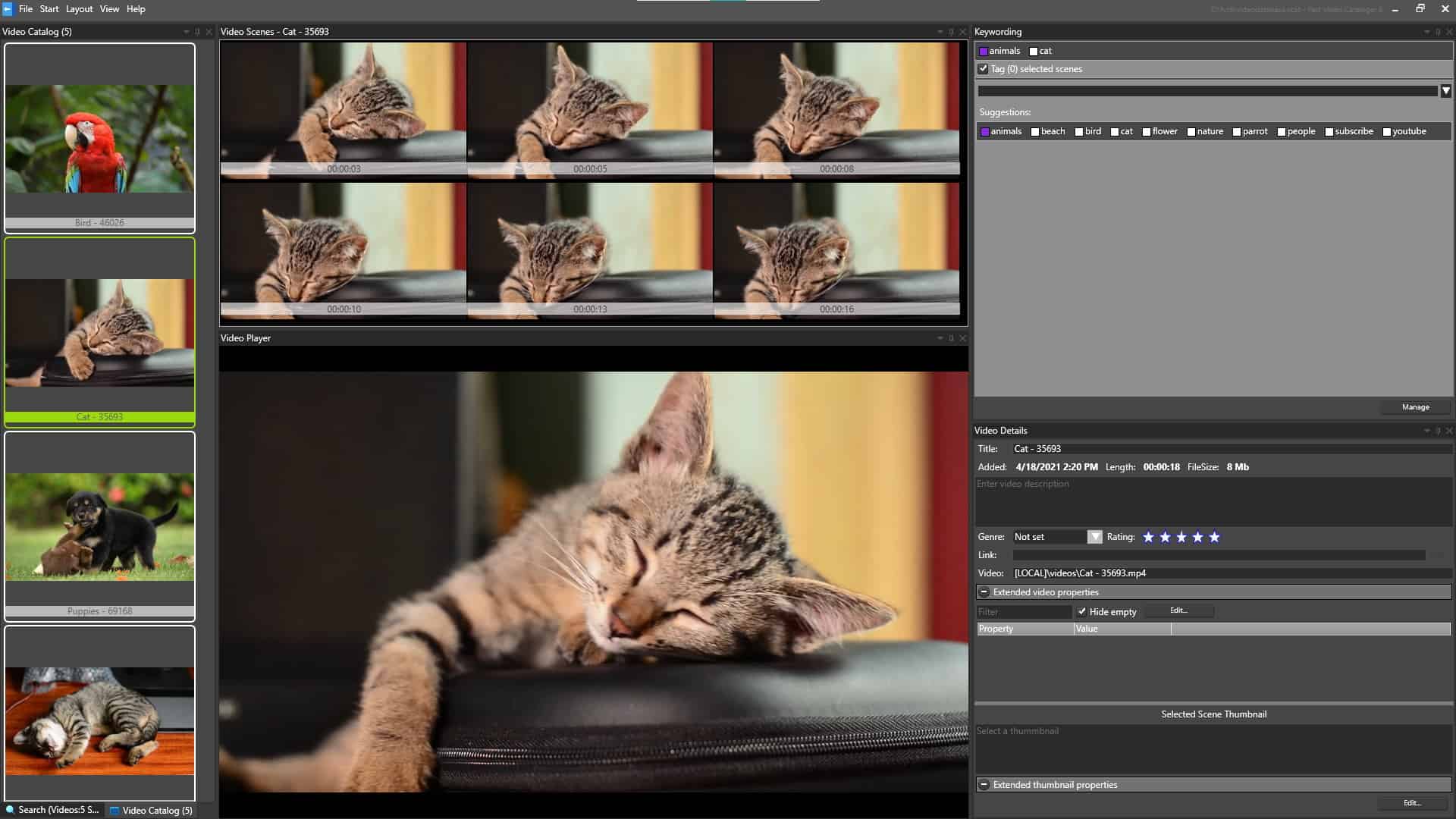
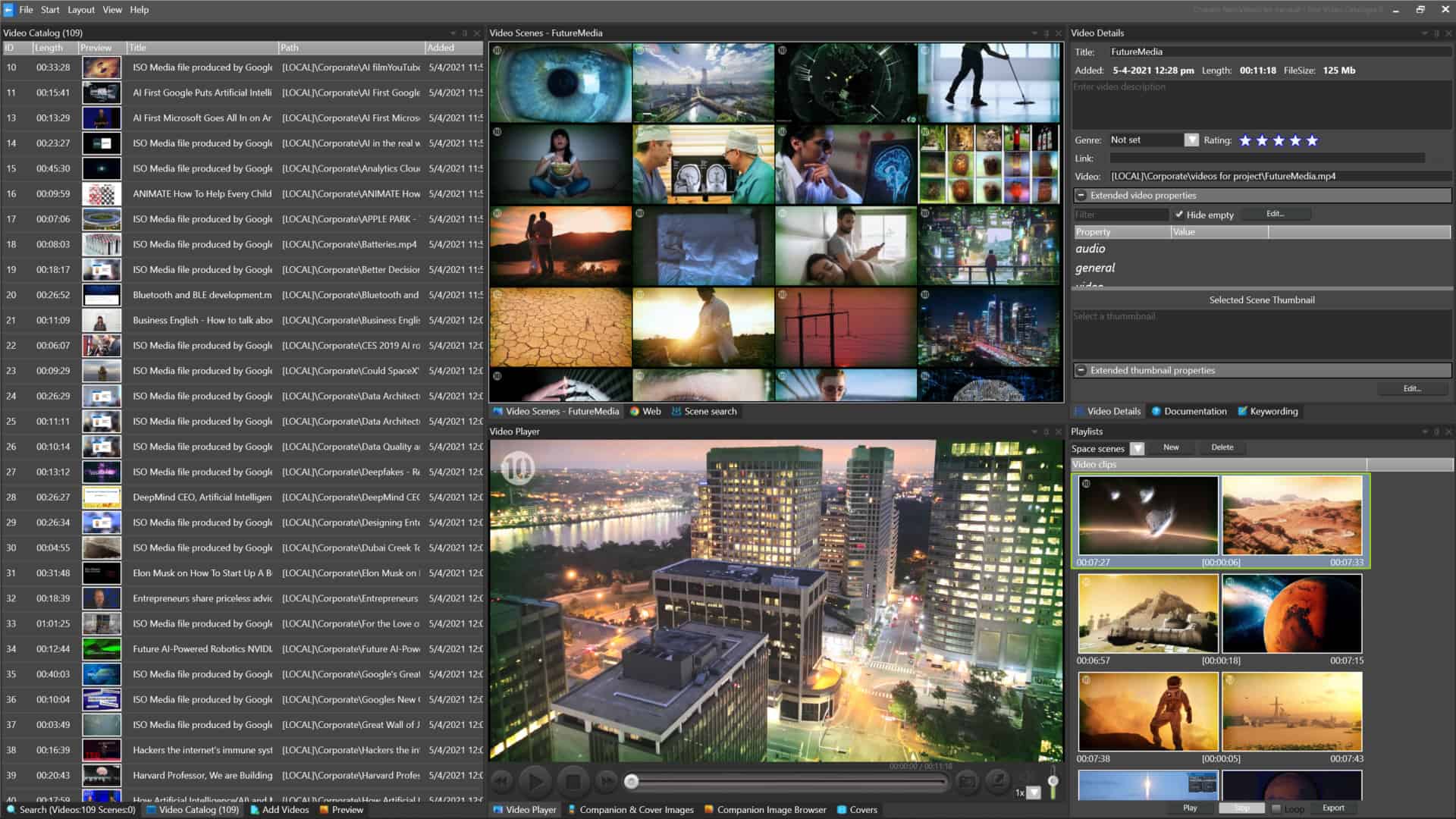
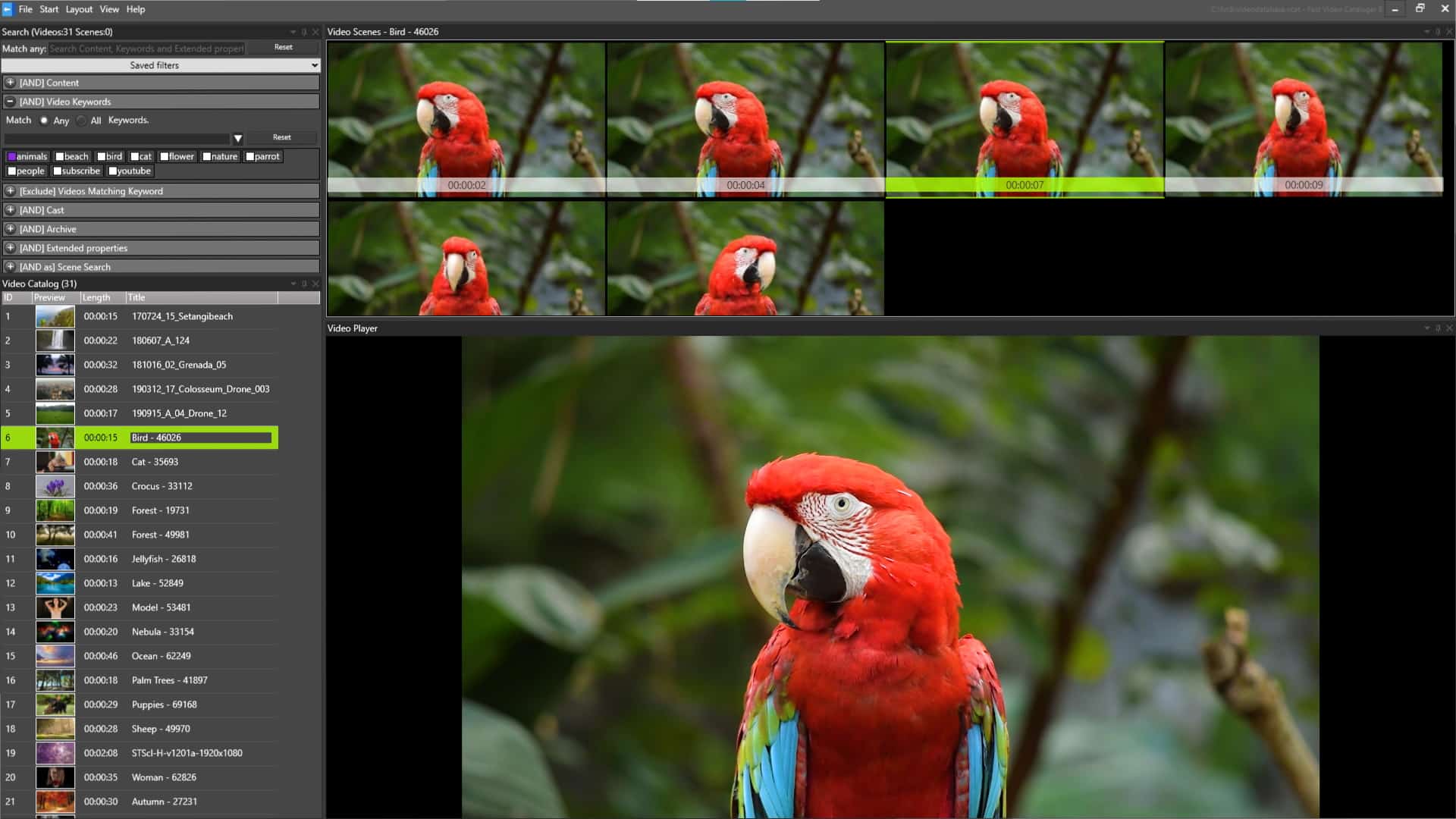
Find a clip your way
Keywords
Tag videos and scenes with your own keywords, and arrange them in a hierarchy. A clip tagged Labrador also shows up when you search for Dog.
Actors
Build your cast, then filter on the people in a video. Add more than one to widen the search.
Metadata
Filter on title, description, rating, color label and file path. Search custom properties and imported XMP data, including date ranges.
What was said
Search the spoken words in your videos. Transcription runs on your PC.
Who is on screen
Face recognition finds a person across your library, with no manual logging first.
What is in the shot
Describe the scene, search the text on screen, or use the tags added during indexing. More on AI video search.
Combine filters to narrow the search, and save the ones you use often.
What our users say
Rated 4.96 / 5 from 24 verified user reviews
...particularly for quickly locating B roll shots from multiple terabytes of camera files. ... We have one catalog with over 20,000 files in it and searching that with keywords and filters is pretty well instantaneous.
I have 5 terabytes of video files, and it is a nightmare to look for a particular video, but once I installed FVC on my computer, I'm saving countless hours.
The search features are excellent and allow you to locate any actor, scene, topic, etc. right down to the beginning frames.

No cloud – 100% privacy
Many popular video management solutions are cloud-based, which means your data is being transmitted around the globe over the internet.
Fast Video Cataloger runs locally on your PC, making it faster than any server or cloud video asset management system can ever hope to be and you keep more privacy. Version 10’s AI features — face recognition, transcription and scene tagging — process entirely on your own hardware. Nothing is uploaded to a third-party API.
Fast Local processing on your computer
No fees for data transfer or storage
No delays for uploading videos
No extra fees on cloud computing
No other hidden costs
No privacy leaks
How it works
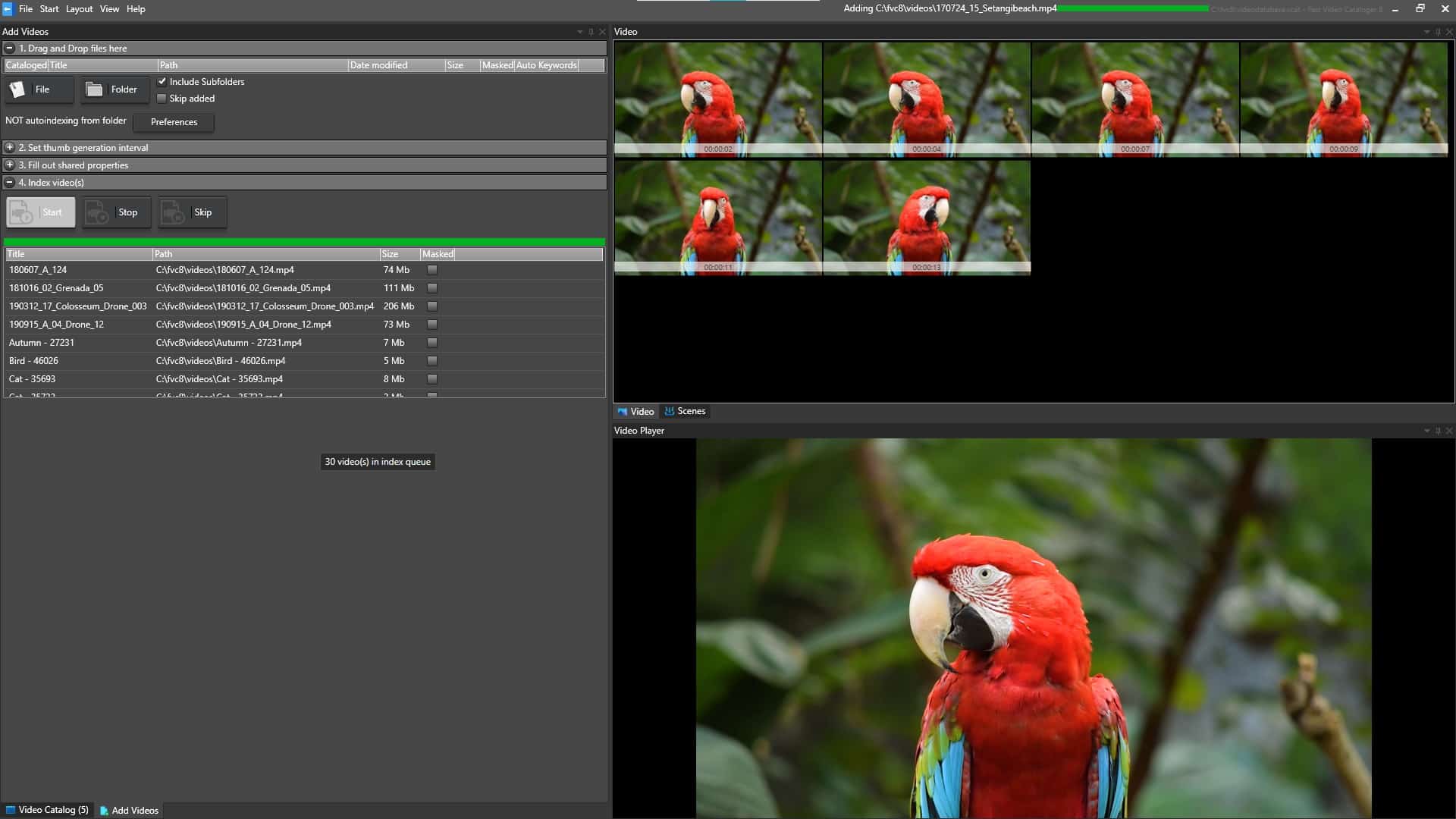
1. Add your videos
Point it at your folders, external drives or NAS. Your files stay where they are.
2. Let it index
It builds thumbnails and reads metadata. AI tagging and transcription run on your own hardware.
3. Search and browse
Find the clip, check it on the thumbnail timeline and take it to your editor.

10000 Videos In 60s?
Imagine scanning through thousands of videos, becoming an effortless task.
The core of the program is written in fast C++ and optimized for 64-bit, multiple cores and your GPU.
Pricing
Try it free for 30 days. After that, from $9.90 a month, or $197 once for a perpetual licence.
Frequently asked questions
Who is Fast Video Cataloger for?
Video editors, production companies and creators with large video libraries on Windows. One customer runs a single catalog with over 20,000 files.
Are my videos uploaded anywhere?
No. Fast Video Cataloger runs on your PC. Face recognition, transcription and scene tagging all run on your own hardware.
Can I search videos on a disconnected drive?
Yes. The catalog keeps the thumbnails and metadata, so you can browse and search when the drive is unplugged. Connect the drive to play the video.
Does it work with a NAS or external drives?
Yes. You can catalog videos on local drives, external drives, USB sticks and a NAS.
Which video formats does it support?
All major formats, including mp4, mov, avi, wmv and mpeg. Blackmagic BRAW files index and play directly.
How does the free trial work?
The trial is the full program for 30 days. You enter your email on the download page to get it.
Video Formats
Fast Video Cataloger supports mpg, mpeg2, mpeg4, avi, mov, qt, rt, wmv, flv, braw, and all other major video clip formats out of the box. The program also has support for DirectShow codecs. Version 10 adds native Blackmagic BRAW support — .braw files index and play directly, with color science, white balance and exposure metadata read straight from the file. No transcoding step.
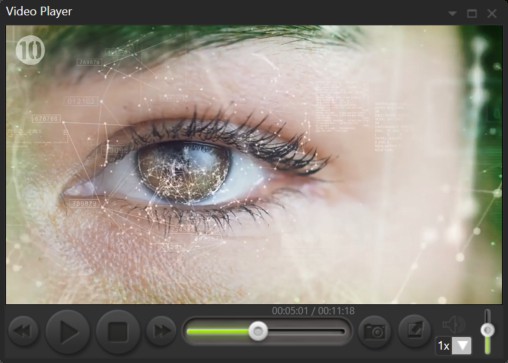
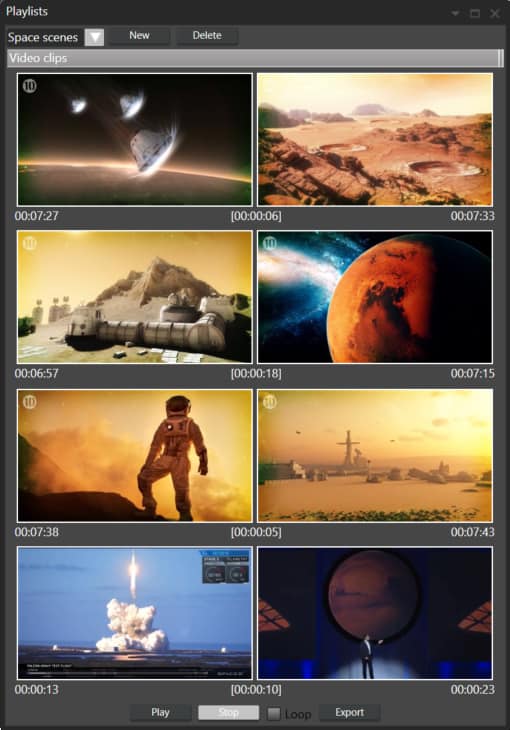
Video Scene Playlists
Create and save playlist from segments of different video clips in your library. Then play them like they were one single video file. Really useful to draft ideas and concepts without any need for video editing.
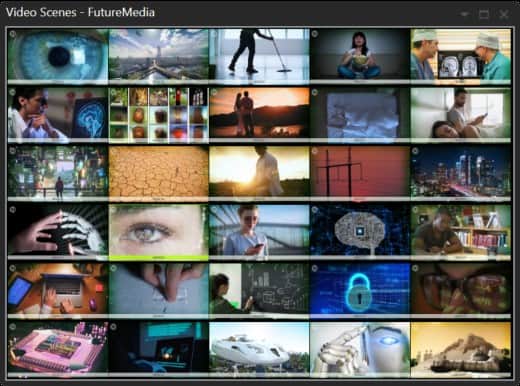
Instantly Find Scenes In Your Videos
Fast Video Cataloger automatically creates evenly spaced thumbnails for each clip to assist in searching through extensive collections of video clips on your PC in the fastest possible way. You can have all your videos organized without effort. We support video clips on your PC, External hard drives, USB sticks, DVDs, Dropbox. You can easily search, browse and get an overview of all your videos even if the devices with the video files are disconnected because you are on the road
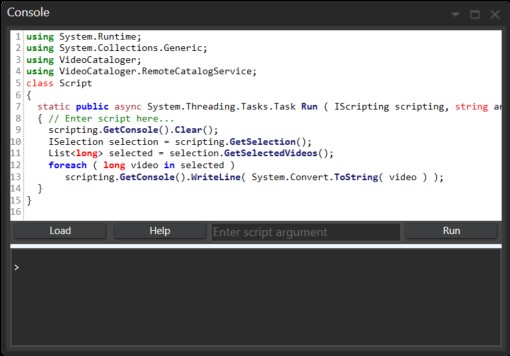
Scripting & Custom Workflows
Optimize your workflows with Fast Video Catalogers integrated C# scripting support. Create actions and shortcuts to integrate it with your other software or workflows as you need. The installer includes sample scripts and full documentation of the API. You can also connect an AI assistant such as Claude to your catalog with the MCP server for your video library.
Catalog sharing
Share a catalog in a local network or the internet from the Share menu. You can easily go between working locally and sharing the same catalog. Start building your catalog locally and when you are ready, share it with your whole company. Version 10 adds a built-in web server with user accounts — your team browses, searches, tags and uploads from any browser, with no software to install on their side. Read how a multi-user video catalog works for a team.

Customize For Efficiency
Create different layouts for different types of work and switch between them quickly. Use one or several computer screens to take full advantage of your screen space.